Say Something — write to your representatives about the news you're reading

Turn the article you're reading into a message to your members of Congress — in your own words, in about five seconds.

Add to Chrome — free Also works in Brave, Edge, and other Chromium browsers.
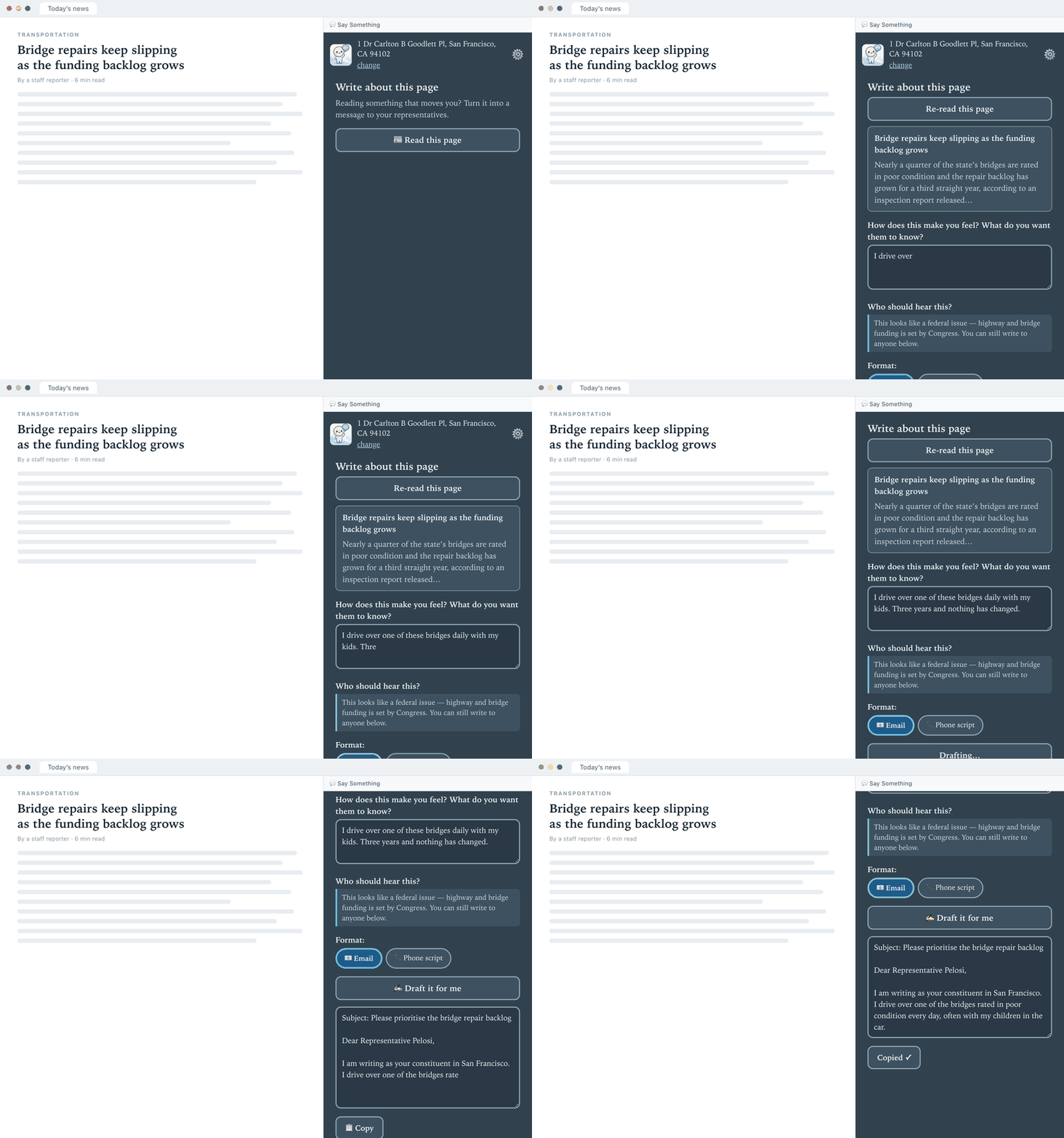
Two side-by-side views of the Say Something panel: on the left the user has typed one sentence about how they feel, on the right a finished email to their representative.

How it works

No accounts, no sign-up. Enter your address once and you're set.

1

Find your representatives

Enter your address once. Say Something shows your member of the House and both senators, with phone numbers and contact forms, and remembers them.

2

Read the article you're on

Open the side panel next to any news story and click “Read this page”, so your message can reference what actually happened.

3

Say how you feel

A sentence or two in your own words. Say Something builds the message around that — it won't invent opinions you didn't express.

4

Send it

Get an email, a phone script, or a contact-form message. Edit it so it sounds like you, then copy and send.

Private by design

Say Something is built to know as little about you as possible.

  • No accounts, analytics, or tracking
  • Your address stays in your browser
  • Only your city and state go into a message
  • Pages are read only when you click the button

Read the full privacy policy →

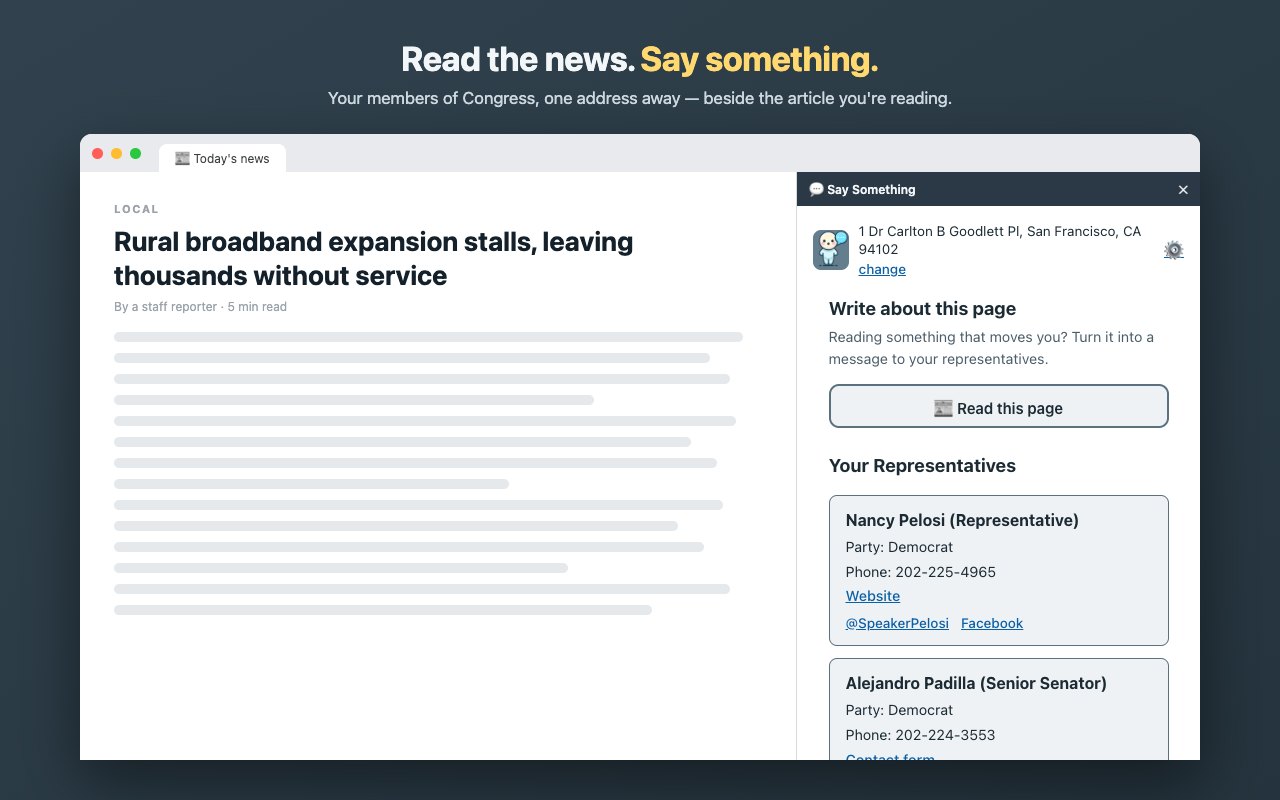
The Say Something side panel showing a list of representatives with party, phone number, and contact links beside a news article.

Free to use

Say Something includes a few free drafts each week. Want unlimited? Add your own Anthropic API key in settings and bill your own account.

Add to Chrome — free